01 / START WITH AN IMAGE
An idea becomes
a character.
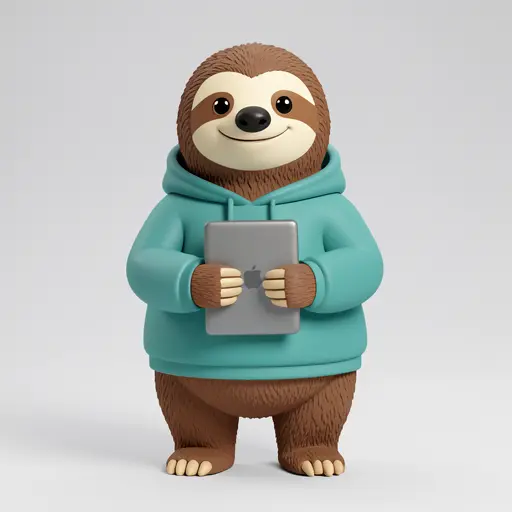
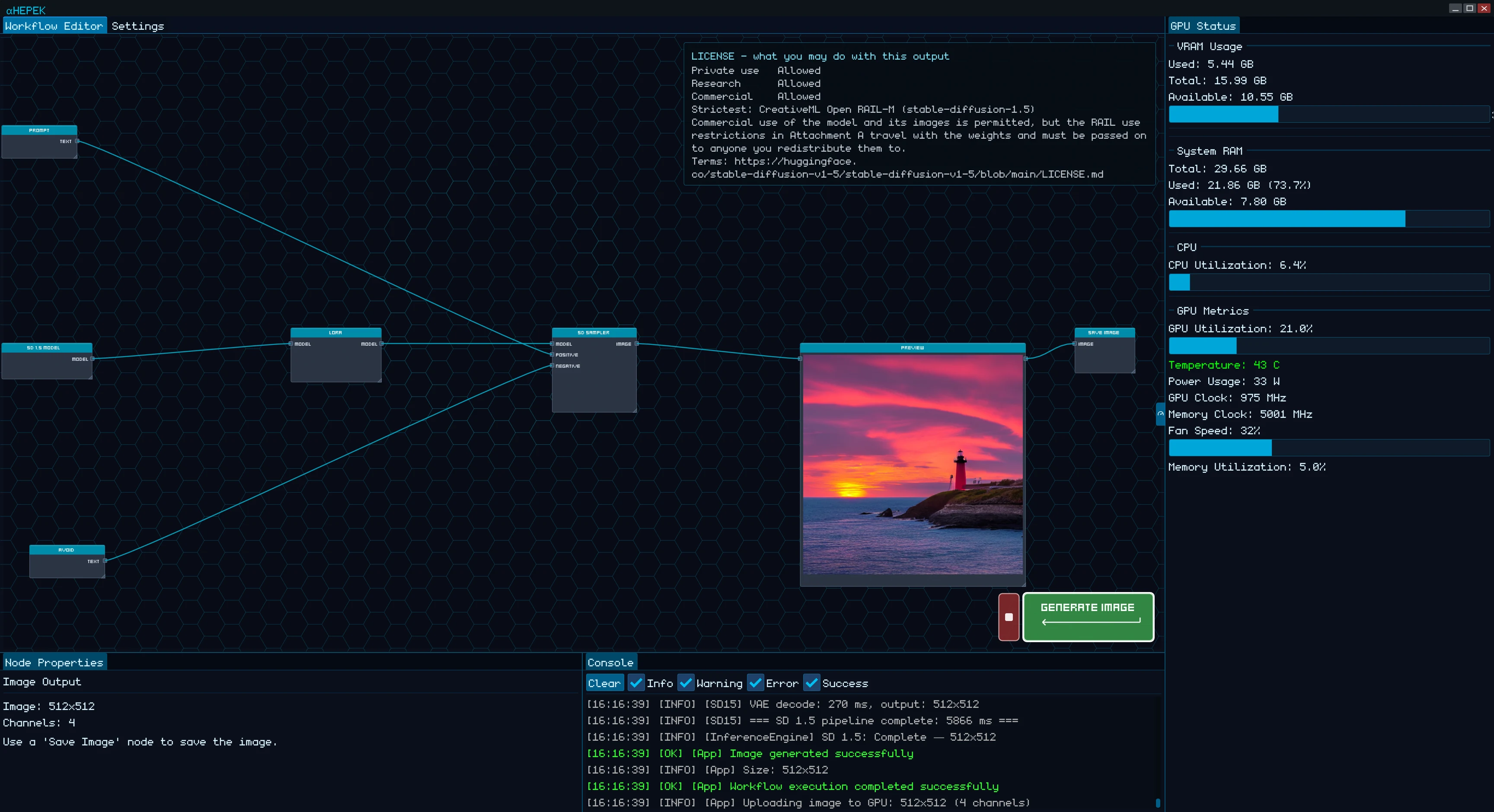
Choose an image workflow and describe a sloth programmer in a teal hoodie, holding a laptop. Generate the character on your own computer.
Choose a workflow.→Describe your idea→Generate an image
This character was generated with FLUX.2 Klein 9B in Hepek, using four steps.
02 / GIVE IT A DIMENSION
A little character.
A real 3D model.
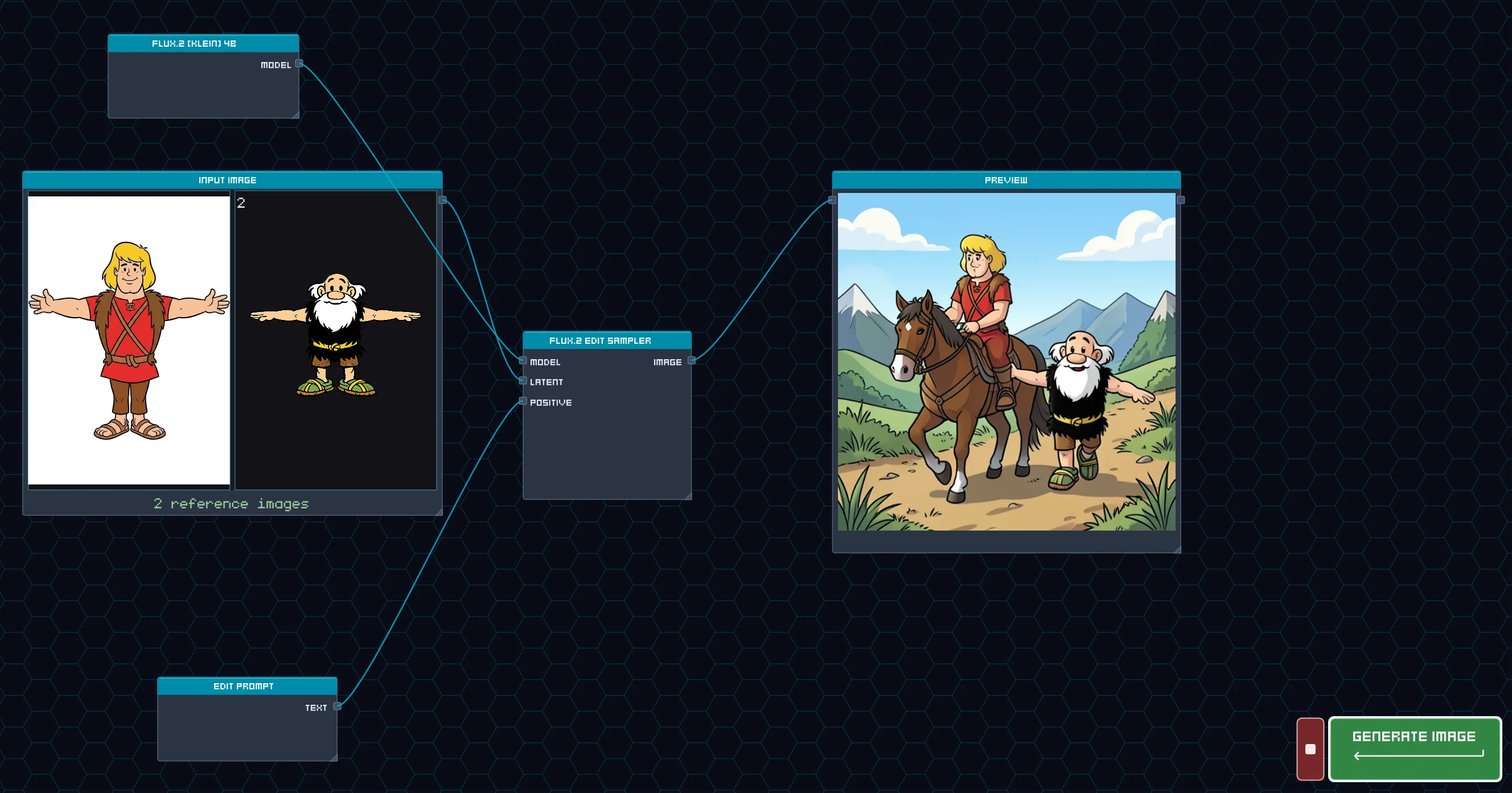
Start with an image of our sloth programmer. Hepek turns it into a textured 3D model you can explore from every angle.
Character image→Image to 3D→Textured model
Generated with Pixal3D in Hepek. The rotating preview shows the actual textured mesh.
Download the example 3D model ↗
03 / GIVE IT A SOUNDTRACK
Like the track?
Reimagine a section.
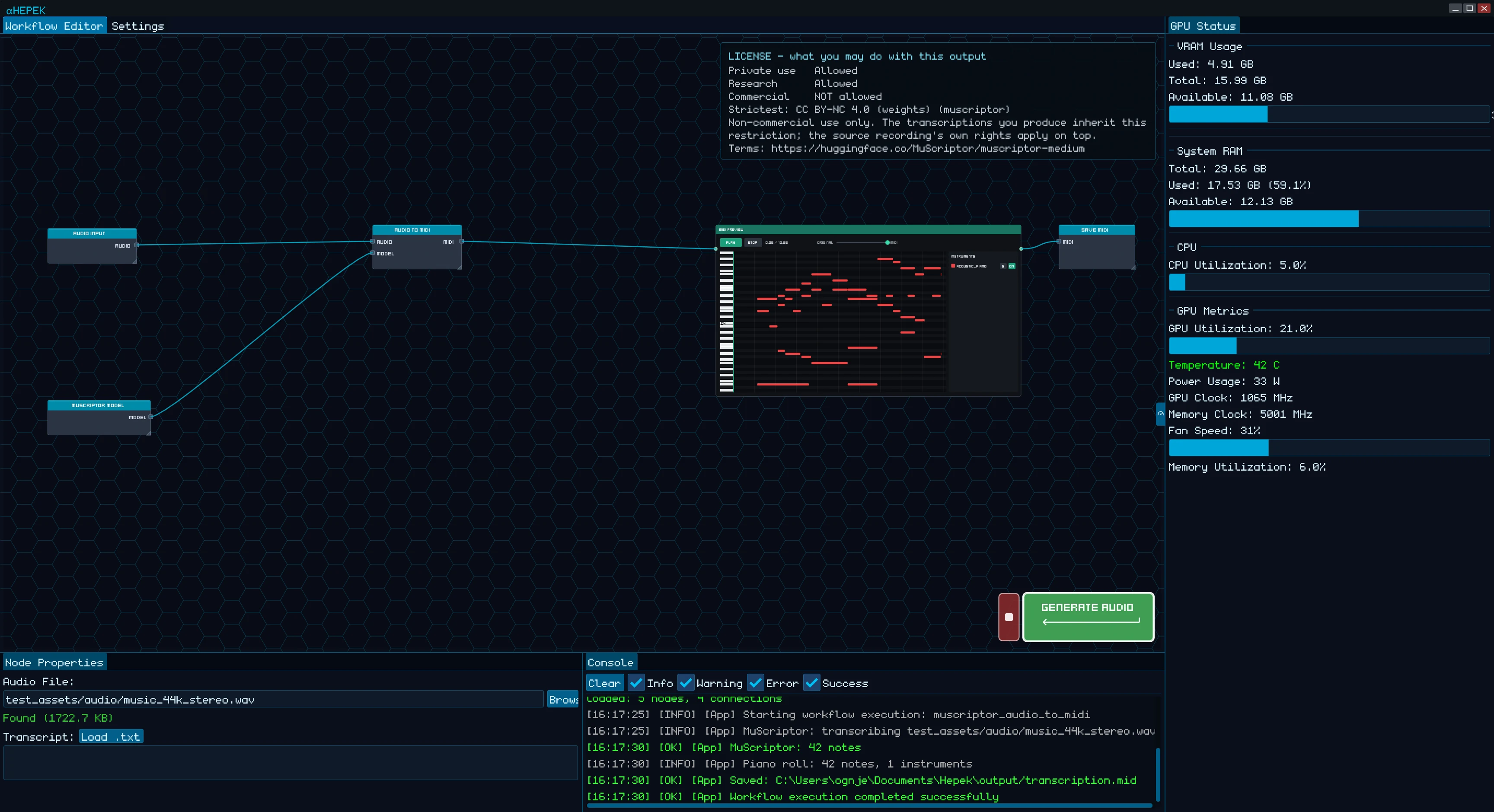
A sloth hacker gets a late-90s techno soundtrack: acid bass, driving drums, and a robotic vocal hook. Select seconds 8–16 and replace them with a contrasting half-time bass break.
Generate music→Select 8–16s→Edit that section
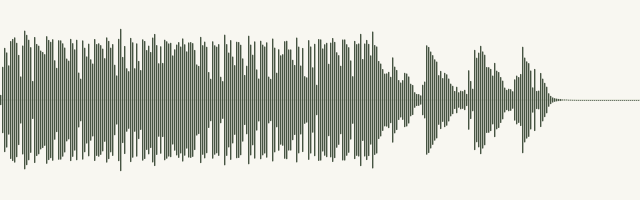
Compare the original and edited tracks. The waveforms come from the actual audio; the shaded area marks the edit.
Both passages were generated with ACE-Step 1.5 XL Turbo in Hepek. A fresh contrasting passage replaces the selected section, with short fades at the edges.
04 / GIVE IT A VOICE
Meet your new
sloth programmer.
A still character becomes a moving, talking scene. Add a prompt, then let Hepek create a short video with sound.
Character image→Image to video→Video + audio
Generated with MiniMax H3 Turbo in Hepek. Model availability varies by region.
The preview plays silently. Unmute it to hear the sloth.